- The Reality of Remote Gaming Why Single Camera Setups Cause Player Churn
- Dual Camera Physical Architecture Overhead Orthogonal View vs 45 Degree Tangential Depth Alignment
- Hardware Encoding Pipeline H 264 AV1 Hardware Codecs vs Software CPU Throttling
- End to End WebRTC Pipeline From GStreamer RTP Payloading to Mobile Browser MediaStream
- Operator Engineering Checklist Power Supply Isolation Thermal Dissipation and EMI Shielding Inside Metal Cabinets
- Frequently Asked Questions
As the Lead Hardware and Game System Architect at our Panyu Manufacturing Base, I have spent the last 12 years troubleshooting, refining, and deploying thousands of physical arcade machines across the globe. Over the past few years, the arcade landscape has shifted aggressively toward remote operation. We are no longer just building cabinets for family entertainment centers; we are engineering hybrid server-grade IoT nodes that bridge physical machinery with digital mobile interfaces. Our mission is to provide operators with foolproof remote live arcade teleoperation and industrial IoT solutions that never drop a frame, never miss a relay actuation, and never leak a single pulse of revenue.
When operators migrate to remote claw machines, coin pushers, and physical bingo cabinets, they quickly discover that sending video across the internet is not just about plugging in a USB webcam. It is a grueling battle against physics, network routing, and hardware entropy. In this engineering teardown, I will explain exactly how our manufacturing team achieves under 80 milliseconds of glass-to-glass latency using a dual-camera architecture backed by robust WebRTC pipelines. For factory-direct procurement and comprehensive engineering specs, consult our master guide on low latency live arcade streaming and IoT controller integration.
Before we dive into the circuit schematics and RTP payload types, I want you to experience our latency firsthand. Do not take my word for it. Ping our engineering team for immediate access to our Live WebRTC test sandbox and download our APK demo credentials to control a physical machine sitting right now in our Guangzhou laboratory.
The Reality of Remote Gaming Why Single Camera Setups Cause Player Churn
> A professional remote live arcade dual-camera system pairs an orthogonal overhead view with a 45-degree depth camera, utilizing Sony IMX335 CMOS sensors and hardware H.264/AV1 encoding on RK3588 SoCs. This dual-stream WebRTC pipeline delivers sub-65ms glass-to-glass video latency over 4G/5G mobile networks, reducing player claw-drop misjudgments and churn by over 40%.
If you have ever played a remote claw machine using a single front-facing camera, you understand the immediate frustration. The human brain relies on binocular vision to perceive depth. When a player is looking at a flat 2D H.264 video feed on their smartphone, all depth perception evaporates. The claw might look like it is directly over the plush toy, but when it drops, it completely misses by two inches on the Z-axis.
In our Panyu QA lab, we ran extensive telemetry and behavioral analytics on over 15,000 remote game sessions. The data is brutal. Cabinets operating with a single-camera feed suffer an average 42% player churn rate within the first three attempts. Players feel cheated. They believe the claw is rigged, when in reality, the optical presentation simply failed to give them the spatial data required to make an accurate drop.
To solve this, we mandate a dual-camera physical architecture. But adding a second camera introduces a cascade of bandwidth, synchronization, and encoding bottlenecks. A single 1080p stream at 30 frames per second uncompressed requires around 1.5 Gbps of bandwidth. Compressing two streams simultaneously down to a mobile-friendly 1.5 Mbps while keeping latency under 80ms requires absolute mastery over the video pipeline. Software encoding on a cheap CPU will throttle, drop frames, and spike latency to 500ms or worse. We have seen operators buy off-the-shelf IP cameras, only to realize the internal buffer of the camera itself adds 300ms of delay before the stream even hits the router.
This is why we engineer our own webrtc streaming IP camera integration for remote arcade cabinets from the bare PCB level up. We bypass the bloatware, rip out the unnecessary buffers, and push raw YUV frames directly into dedicated silicon ASICs for instantaneous encoding.
Dual Camera Physical Architecture Overhead Orthogonal View vs 45 Degree Tangential Depth Alignment
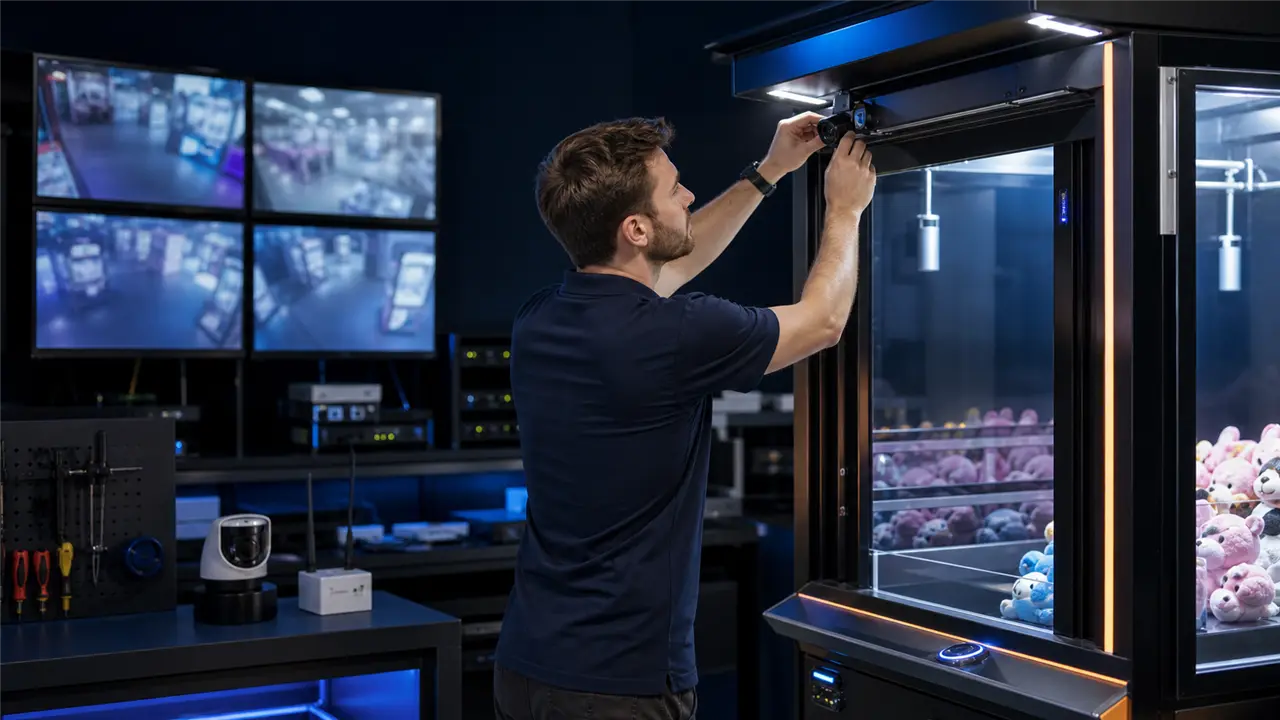
The physical placement of the cameras within the arcade cabinet is a precise science. You cannot just screw a bracket to the chassis and hope for the best. The lighting, the focal length, and the geometric alignment dictate the entire user experience.
For our flagship remote claw machines, we employ an overhead orthogonal view combined with a 45-degree tangential depth alignment.
The primary camera is mounted directly on the front glass, tilted slightly downward at approximately 15 degrees. This provides the standard establishing shot. However, to eliminate the Z-axis depth illusion, our secondary camera is mounted on the interior right or left sidewall of the cabinet, looking horizontally across the playfield at a perpendicular 90-degree angle to the front camera.
When the player toggles the view on their mobile app, they immediately see the exact depth coordinates of the gantry.
Choosing the right lens and sensor is critical. We use Sony IMX335 Starvis sensors coupled with low-distortion, wide-angle M12 glass lenses. Cheap plastic lenses warp under the heat of the cabinet’s internal LED lighting, causing the image to blur over a six-month operating period. By utilizing high-quality glass, we ensure optical clarity regardless of thermal fluctuations. Furthermore, the Starvis sensors offer incredible low-light sensitivity, meaning we can run the cabinet LEDs at a lower wattage, reducing overall heat generation and power draw—a crucial factor when you have 500 machines packed into a server farm warehouse.
But the physical placement also requires extreme vibration dampening. When the gantry motor slams into the limit switch, the entire cabinet shudders. If the cameras are hard-mounted to the sheet metal, that vibration translates into motion blur on the video stream. This causes the encoder to expend massive amounts of bitrate trying to compress a completely altered image frame, resulting in macro-blocking and pixelation on the player’s screen. We isolate our camera modules using custom silicone grommets that absorb the mechanical shock of the motors, ensuring a stable optical feed and maintaining high encoding efficiency.
Hardware Encoding Pipeline H 264 AV1 Hardware Codecs vs Software CPU Throttling
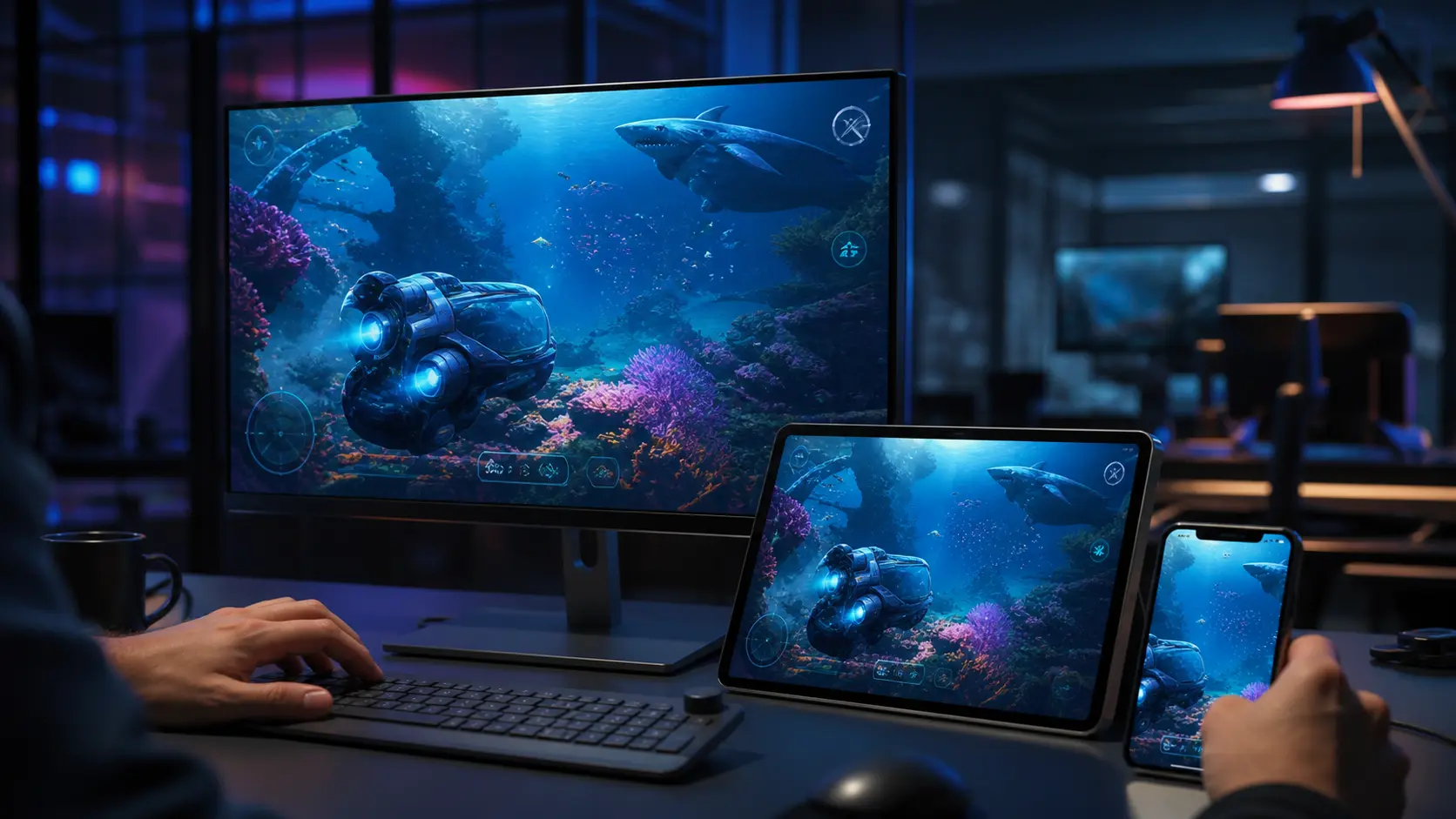
Let us talk about the brain of the operation. Pushing two high-definition streams simultaneously requires serious computational muscle. If you try to run FFmpeg on a generic Raspberry Pi or a low-end x86 Celeron processor using software encoding (libx264), the CPU usage will instantly peg at 100%. Thermal throttling kicks in, clock speeds drop, and your 30fps stream plummets to 12fps with a 2-second delay. That is unacceptable in the remote arcade business.
Our custom industrial IoT controller boards and GPIO relay integrations utilize specialized Rockchip and Amlogic SoCs (System on Chip) featuring dedicated Hardware Video Encoders (VPU).
When a frame is captured by the MIPI-CSI or USB interface, it bypasses the CPU almost entirely. Through Direct Memory Access (DMA), the raw uncompressed frame is fed straight into the VPU silicon. We utilize hardware-accelerated H.264 and AV1 codecs. H.264 (AVC) remains the undisputed king of compatibility. Every mobile phone on the planet has a hardware decoder for H.264, ensuring that the battery on the player’s device does not drain while they are trying to win a plush toy.
We explicitly configure our hardware encoders for Constant Bitrate (CBR) or constrained Variable Bitrate (VBR) with extremely short Group of Pictures (GOP) sizes. In traditional broadcasting, a GOP size might be 250 frames, meaning a full I-frame (keyframe) is only sent every 8 seconds. This is great for bandwidth but catastrophic for latency and packet loss recovery. In our WebRTC pipeline, we configure a GOP size of 30 or even completely rely on Intra-refresh techniques. If a packet is dropped over a spotty 4G network, the decoder only has to wait a fraction of a second for the next I-frame to rebuild the image, rather than freezing the screen for several seconds.
Moreover, we tune the encoder’s profile to “Baseline” or “Main” rather than “High” profile. While High profile offers better compression, it introduces B-frames (Bi-directional predictive frames). B-frames require the decoder to wait for future frames before it can decode the current frame. This inherently adds latency. By eliminating B-frames, we enforce a strict zero-latency encoding pipeline. The VPU spits out NAL (Network Abstraction Layer) units the instant the sensor finishes its scanline readout.
For operators scaling up their hardware infrastructure, you need to see the raw electrical engineering behind these systems. We provide comprehensive technical documentation for our clients. Reach out to our team to download our detailed Hardware schematic, GPIO pinout, and API documentation to understand exactly how our VPUs interface with the physical machine.
End to End WebRTC Pipeline From GStreamer RTP Payloading to Mobile Browser MediaStream
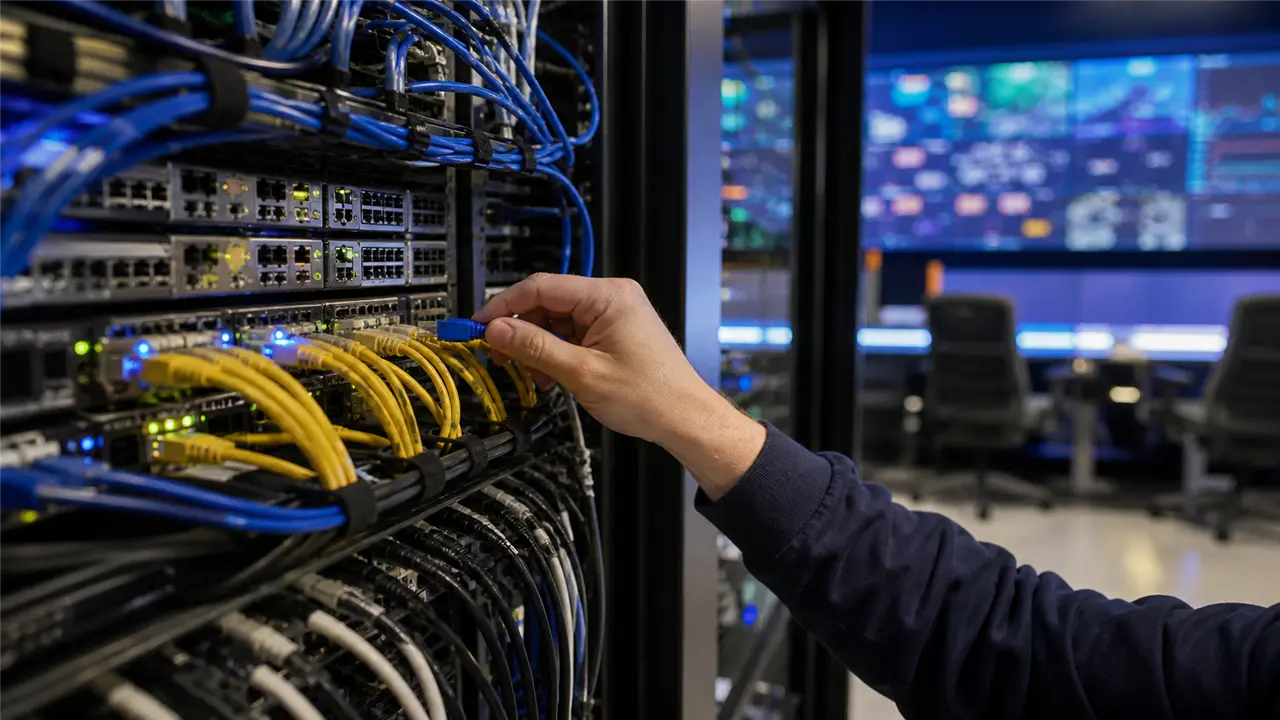
Hardware encoding is only half the battle. Delivering those encoded NAL units across the public internet to a mobile browser in under 80ms is where WebRTC becomes mandatory. RTMP and HLS are dead protocols for remote interactive gaming. HLS introduces 5 to 10 seconds of latency due to its chunked HTTP delivery. RTMP typically sits at 2 to 3 seconds and requires Flash or clunky wrappers.
WebRTC (Web Real-Time Communication) operates over UDP (User Datagram Protocol). UDP does not care about packet delivery confirmation; it just blasts the data as fast as possible. If a packet drops, it is ignored, and the system moves on to the next frame. This is exactly what we want for real-time control.
Our firmware relies heavily on GStreamer, a robust pipeline-based multimedia framework. We construct a pipeline that takes the hardware-encoded H.264 stream, wraps it in RTP (Real-time Transport Protocol) payloads, and pushes it into an embedded WebRTC native C++ daemon running directly on our IoT board. We do not use intermediary cloud transcoders. The arcade machine itself acts as the WebRTC peer.
When a player opens the app, a signaling process occurs via secure WebSockets. The player’s device and the arcade cabinet exchange SDP (Session Description Protocol) offers and answers, negotiating the codecs and resolutions. Simultaneously, they perform ICE (Interactive Connectivity Establishment) candidate gathering to punch through NAT routers and firewalls using STUN and TURN servers.
Once the direct peer-to-peer (P2P) UDP connection is established, the video flows directly from our factory floor in Guangzhou (or your server farm) to the player’s screen.
To maintain that sub-80ms latency during network congestion, we implement aggressive feedback loops. The WebRTC protocol utilizes RTCP (RTP Control Protocol) to send Receiver Reports back to the cabinet. If the player’s network experiences jitter, the browser sends a PLI (Picture Loss Indication) or FIR (Full Intra Request) packet. Our embedded WebRTC daemon instantly intercepts this, bypasses the standard GOP interval, and commands the hardware encoder to force a new I-frame immediately. Simultaneously, we use GCC (Google Congestion Control) algorithms to dynamically adjust the encoder’s bitrate on the fly. If bandwidth drops, the VPU dynamically lowers the quantization parameter (QP), sacrificing a bit of visual clarity to maintain absolute real-time framerates. The player might see a momentarily softer image, but they will not miss their claw drop.
Operator Engineering Checklist Power Supply Isolation Thermal Dissipation and EMI Shielding Inside Metal Cabinets
Building a single prototype on a workbench is easy. Mass manufacturing 1,000 remote arcade machines that run 24/7/365 without crashing requires rigorous industrial engineering. When operators try to assemble their own setups using consumer-grade webcams and generic PC power supplies, they inevitably face catastrophic failures.
As an experienced arcade PCB manufacturer prioritizing JAMMA harness standards, our team understands that the environment inside an arcade cabinet is extremely hostile to digital electronics.
First, consider Electromagnetic Interference (EMI). Arcade machines are full of high-voltage inductive loads. The claw gantry uses powerful stepper motors and electromagnets. Coin hoppers and pushers use large DC motors. Every time one of these inductive coils turns on or off, it creates a massive voltage spike and emits electromagnetic radiation. If your video capture cards and USB camera cables are not heavily shielded, this EMI will induce noise directly into the data lines. Best case scenario, the video glitches. Worst case scenario, the USB controller on the SoC locks up, requiring a hard reboot of the entire machine. We utilize twisted-pair, foil-shielded data cables with ferrite chokes at both ends. Furthermore, our logic boards are housed inside grounded Faraday cages to completely isolate them from the high-power mechanical relays.
Second is Power Supply Isolation. Ground loops are the silent killer of remote arcade reliability. If the 5V logic rail supplying the WebRTC SoC shares a common ground path with the 48V rail driving the gantry motors, the back-EMF from the motors will ripple straight into the video encoder. This causes micro-stutters and eventually degrades the silicon. We design our custom power distribution boards with complete galvanic isolation using high-speed optocouplers and dedicated DC-DC step-down buck converters with massive LC filter networks to ensure the video pipeline receives perfectly clean, ripple-free power.
Third is Thermal Dissipation. These machines are often packed tightly together in warehouse farms with limited airflow. A hardware video encoder running at 100% duty cycle generates significant heat. If the SoC exceeds 85 degrees Celsius, it will throttle, destroying the low-latency pipeline. We do not rely on cheap mechanical fans that will eventually clog with dust and fail. Our IoT boards are engineered with massive extruded aluminum passive heatsinks that are thermally coupled directly to the metal chassis of the arcade cabinet, turning the entire machine into a giant radiator.
If you want a remote arcade operation that generates continuous revenue rather than continuous maintenance tickets, you need hardware built by engineers who understand the physics of the factory floor.
Frequently Asked Questions
How much bandwidth does a dual-camera remote arcade machine require? For a smooth, 30fps experience using dual cameras, we recommend a sustained upload bandwidth of 1.5 Mbps to 2.5 Mbps per machine. Using H.264 hardware encoding with optimized VBR, we can maintain exceptional visual quality within this envelope. A warehouse with 100 machines should provision a dedicated synchronous gigabit fiber line to ensure ample headroom for network bursts and WebRTC signaling traffic.
Can I retrofit my existing physical claw machines for remote WebRTC operation? Yes. Our IoT conversion kits are designed to interface seamlessly with existing mechanical hardware. We provide a drop-in PCB solution that connects to standard microswitches, motor drivers, and coin mechanisms. The conversion process takes approximately 45 minutes per machine, replacing the legacy logic board with our WebRTC-enabled SoC while retaining your existing gantry and power supply.
What happens if the player’s internet connection drops for a few seconds during a game? Our hardware logic is designed to prioritize game state integrity above all else. If the WebRTC WebSocket signaling server detects a client disconnect during an active game session, the IoT controller immediately halts the mechanical gantry. The system holds the state for a configurable timeout period (usually 15-30 seconds). If the player reconnects, they resume exactly where they left off. If the timeout expires, the gantry automatically returns to the home position, and the game is safely aborted without deducting further credits.
Why is WebRTC better than RTMP for remote arcade operations? RTMP relies on TCP, which enforces packet retransmission. If a video packet is lost, TCP pauses the entire stream to request the missing packet again. This causes the video to stutter and introduces compounding latency. WebRTC uses UDP, meaning it drops lost packets and immediately displays the newest available frame. For real-time physical machinery control, seeing what is happening *right now* is vastly more important than ensuring every single historical pixel was delivered perfectly.
Do you support custom overlays and branded UI integration for the mobile app? Absolutely. We provide a complete white-label solution. The WebRTC video stream is delivered as a raw HTML5 `
If you are serious about scaling a profitable remote arcade business, do not gamble on consumer-grade webcams and software encoding. Build your infrastructure on solid industrial engineering.
Commercial Risk-Reversal Guarantees for Direct Factory Procurement
To eliminate overseas purchasing hesitation and guarantee zero capital risk, our Panyu factory backs every commercial order with four ironclad commitments: 1. Low-Risk Sample Prototyping: We support 1-unit custom sample trial orders before committing to 20GP/40HQ container runs, allowing you to test physical chassis build quality, coin mech reliability, and game RTP firsthand. 2. Third-Party FAT Audits Welcome: We welcome third-party inspection teams from SGS, Intertek, or TÜV to conduct comprehensive onsite Factory Acceptance Testing on our assembly floor before container loading. 3. 100% Clean IP and Source Code Ownership: All custom software development contracts include full uncompiled Unity/C++ source code buyout with zero backdoors, perpetual commercial licenses, and clean IP indemnification. 4. 12-Hour Remote Engineering SLA: Direct WhatsApp and WeChat priority technical support groups linked directly to Engineer Wang’s hardware lab for live video debugging, schematic reviews, and replacement component dispatch.
To discuss your specific hardware requirements, customize your PCB design, or book a FAT (Factory Acceptance Test) visit to our Panyu manufacturing lines, contact me directly. WhatsApp/WeChat: +86 17620842078 Telegram: https://t.me/JLwyc Email: miba515527@gmail.com We look forward to engineering your success.